Wacom Intuos, drawing tablet: full spec sheet and buying guide
The Wacom Intuos is an entry-level drawing tablet built for digital art and photo editing. This page summarizes its features based on its official spec sheet and public buyer ratings.
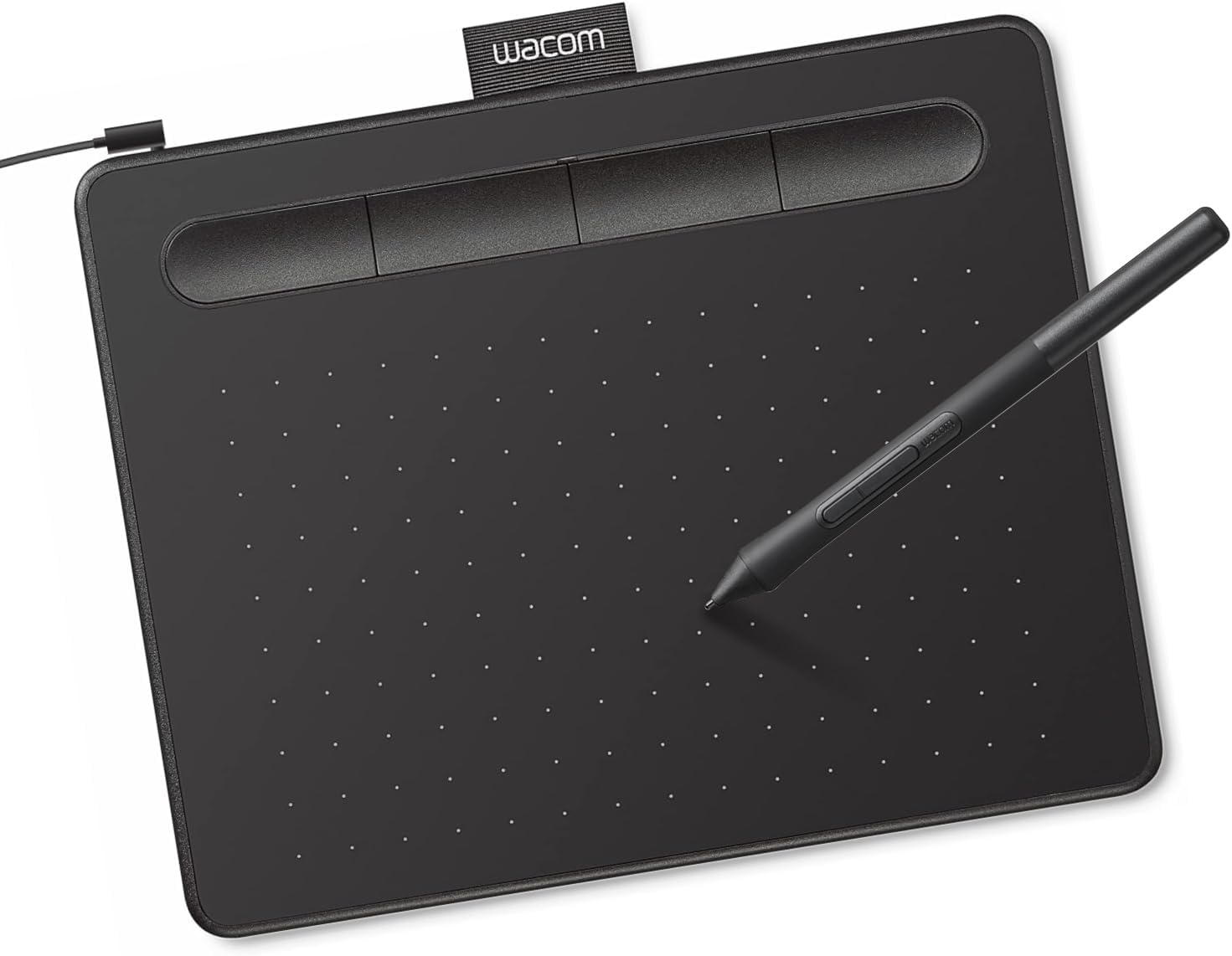
4,096 levels of pressure sensitivity and a battery-free pen, bundled with creative software.
See current price on AmazonRatings and prices are as shown on Amazon at the time this article was published and may have changed. Affiliate disclosure.
Pen and pressure sensitivity
According to its spec sheet, the included pen doesn't need a battery and supports 4,096 levels of pressure sensitivity for natural-feeling strokes.
Software and connection
It connects via USB cable and comes bundled with creative software licenses to get started drawing or editing photos right away, according to the manufacturer.
Strengths based on its spec sheet
- Battery-free pen with 4,096 pressure levels
- Includes creative software licenses
- Compact size for a desk setup
- Compatible with Windows and Mac
What to consider before buying
- No screen, you draw looking at a separate monitor
- Wired only, no wireless version on this entry model
- Smaller active area than professional tablets
Want to compare this model with other computing options? Check out our computing buying guide.
Who is it ideal for?
Based on its spec sheet, it's a good fit for anyone starting out with digital drawing or photo retouching on a budget.
Who is it NOT the best option for?
If you want a screen built into the tablet itself, that's a different product tier — check current options directly on its Amazon listing.
Frequently asked questions
Does the pen need batteries?
No, according to its spec sheet the pen is battery-free.
Does it include software?
Yes, its spec sheet lists bundled creative software licenses.
Is it wireless?
No, according to the manufacturer's specifications this entry-level model connects via USB cable.
Does the Wacom Intuos, drawing tablet sound like the right fit for you?
See current price on Amazon