Logitech Blue Yeti: full spec sheet and buying guide
The Blue Yeti (now under the Logitech brand) is a well-known USB condenser microphone for recording podcasts, streaming, and video calls without needing an external audio interface. This page summarizes its main features based on its official spec sheet and public buyer ratings on Amazon.
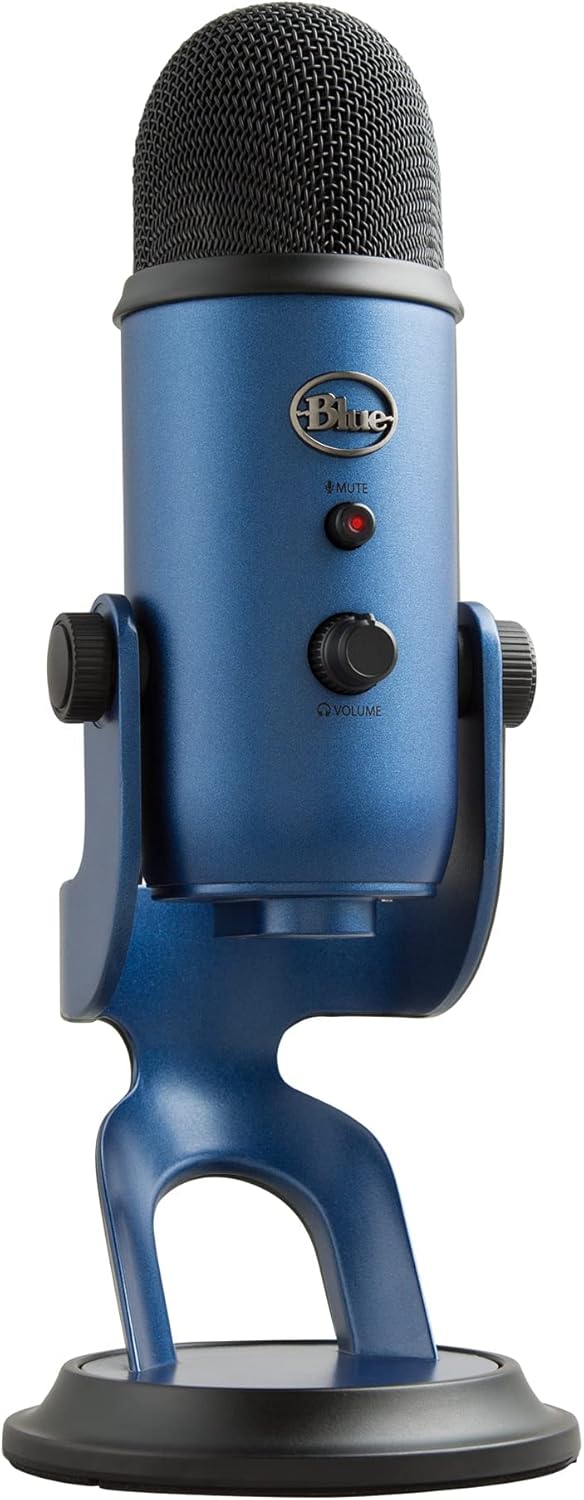
Four pickup patterns, full physical controls, and plug-and-play USB connection.
See current price on AmazonRatings and prices are as shown on Amazon at the time this article was published and may have changed. Affiliate disclosure.
Capsules and pickup patterns
According to its spec sheet, it mounts a three-capsule array and offers four pickup patterns: cardioid, omnidirectional, bidirectional, and stereo. That lets it adapt to different uses — a single voice, a face-to-face interview, an instrument, or several people at once — without needing several different microphones.
Software and effects: Blue VO!CE
It includes Blue VO!CE software, which the manufacturer describes as a way to enhance voice sound for streaming and recording, with modulation and high-definition audio samples.
Controls and connection
It has physical controls right on the body: headphone volume, pattern selection, instant mute, and microphone gain. The included desktop stand is adjustable, and it can also be mounted on a separate mic stand or boom arm. It's plug-and-play over USB, compatible with Mac and PC.
Strengths based on its spec sheet
- Four distinct pickup patterns
- Full physical controls (volume, pattern, mute, gain)
- Zero-latency real-time monitoring through the headphone jack
- Plug-and-play over USB, no additional audio interface needed
What to consider before buying
- It's a relatively large desktop microphone, not designed for travel
- USB connection, not XLR — not designed for professional mixers
- A separate mic stand/boom arm is sold separately if you don't use the included stand
Want to compare this model with other audio options? Check out our audio buying guide.
Who is it ideal for?
Based on its spec sheet, it's a good fit for people starting out in streaming, podcasting, or professional video calls who want a single flexible microphone without setting up a separate audio interface.
Who is it NOT the best option for?
If you need an XLR connection for a professional mixer, or you're looking for something compact for outdoor recording, it's worth comparing with more portable microphones before deciding.
Frequently asked questions
Does it need an audio interface?
No, it connects directly to the computer over USB (plug-and-play), according to its spec sheet.
Can it record several voices at once?
Yes, the bidirectional or stereo pattern is designed for interviews or recording several sound sources.
Is it compatible with Mac?
Yes, according to its spec sheet it's compatible with Mac and PC.
Does the Logitech Blue Yeti sound like the right fit for you?
See current price on Amazon